NEW v2.0 Released

Real-time
Claude AI Usage Monitor

Elegant macOS menu bar app for all Claude platforms

  • Multi-Limit Display - Support up to 5 usage limits simultaneously
  • Cross-Platform - Monitor Web/CLI/Desktop/Mobile usage
  • Privacy First - Local storage, open source, Keychain encryption

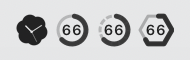
Menu Bar Icons
Usage4Claude - Time Remaining Toggle Animation

Core Features

Professional monitoring tool designed for Claude AI users

📊

Real-time Monitoring

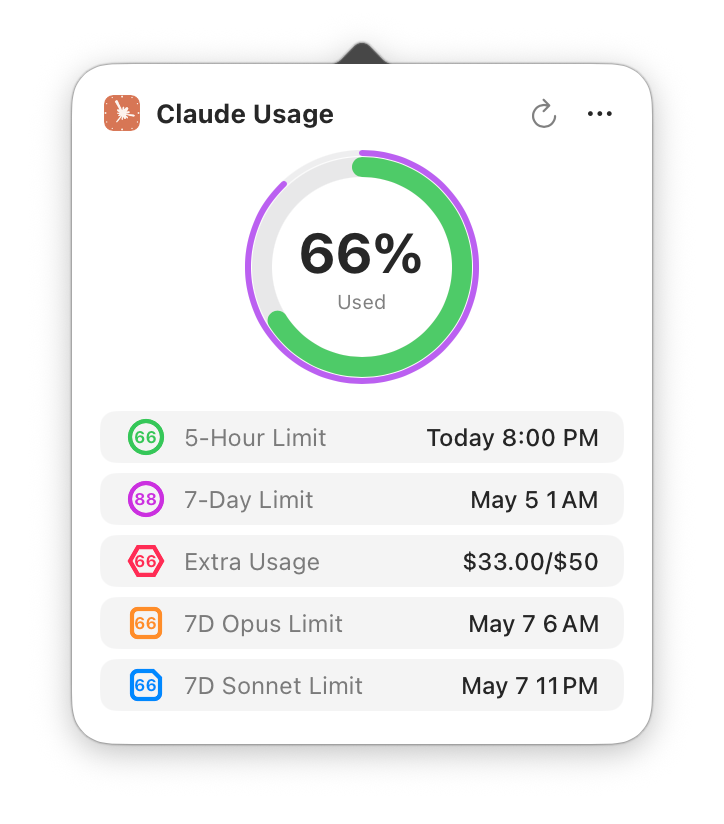
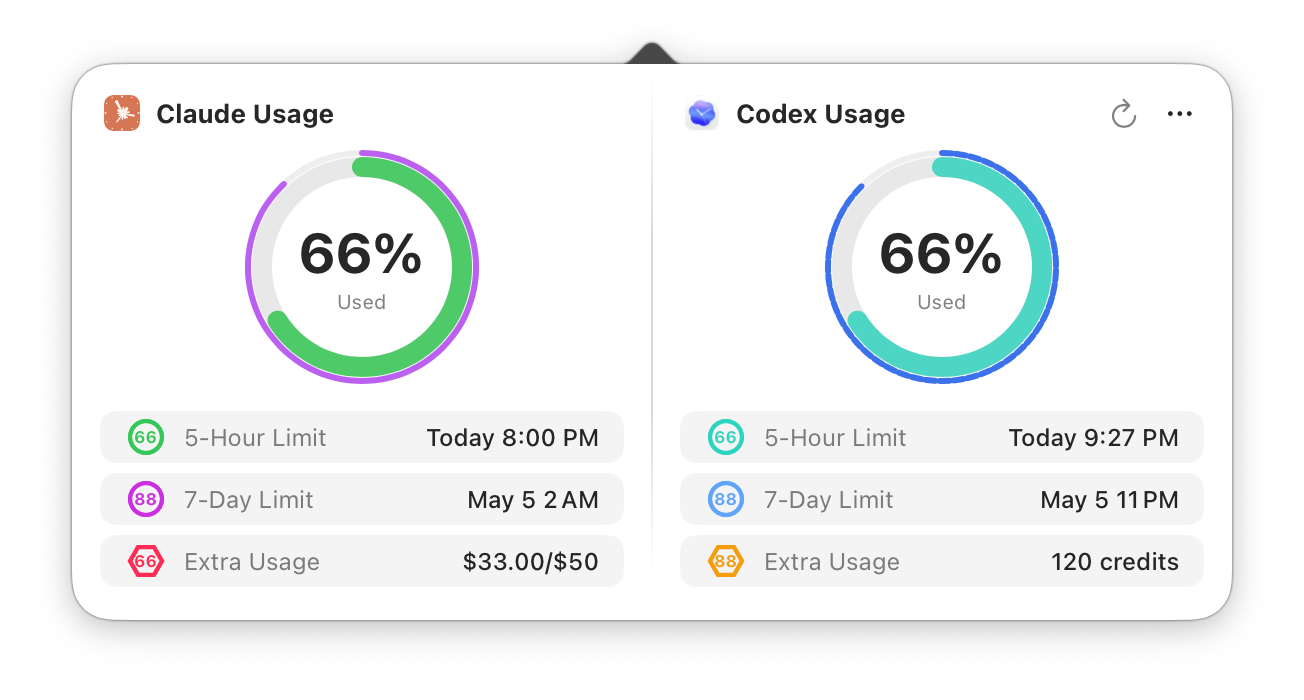
Monitor up to 5 usage limits: 5-hour, 7-day, Extra, 7-day Opus, 7-day Sonnet. Smart color-coded progress rings with distinctive shapes for easy identification.

🌐

Cross-Platform Support

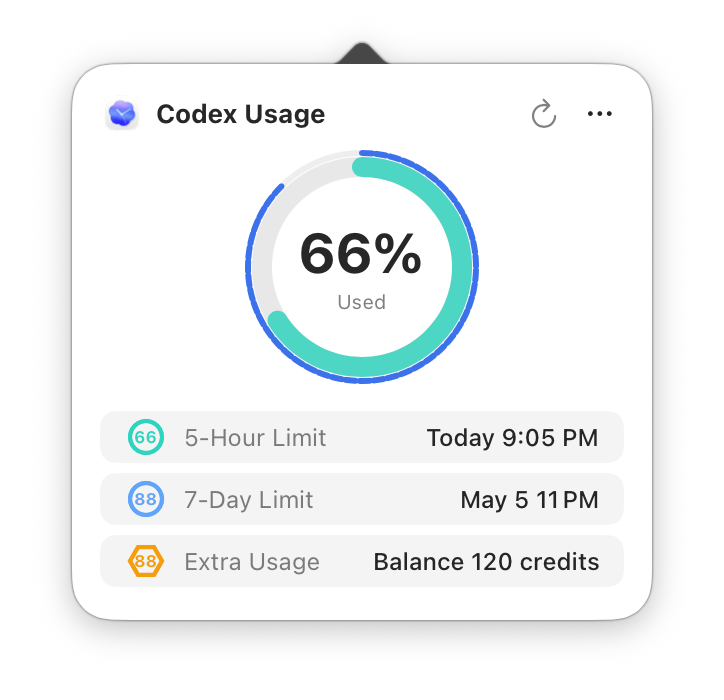
Unified monitoring for all Claude platforms: Web, Claude Code, Desktop App, Mobile App - view all usage in one place

🔄

Smart Refresh

4-level adaptive refresh frequency, 1-minute fast refresh when active, gradually reduces to 10 minutes when idle

🌍

Multi-Language Support

Native support for 5 languages: English, Japanese, Korean, Simplified Chinese, Traditional Chinese. Auto-detects system language or switch manually.

🎨

Personalization

Smart Mode auto-detects available limits, or customize which limits to display. 3 themes (color translucent/color with background/monochrome) for personalization.

🔒

Security & Privacy

All data stored locally only, Session Key encrypted via Keychain, 100% open source code, freely auditable

Screenshots

See Usage4Claude in action

Menu Bar Display

Icons and any limit type can be freely combined for display (at least one item must be shown)
Dual indicators through shape and color ensure easy identification even in monochrome themes

Icon 5-Hour 7-Day Extra 7-Day Opus 7-Day Sonnet Monochrome
Icon Only 5-Hour Limit 7-Day Limit Extra Usage 7-Day Opus 7-Day Sonnet Monochrome Black
Monochrome White

Color Indicators:

5-Hour:
7-Day:
Extra:
Opus:
Sonnet:

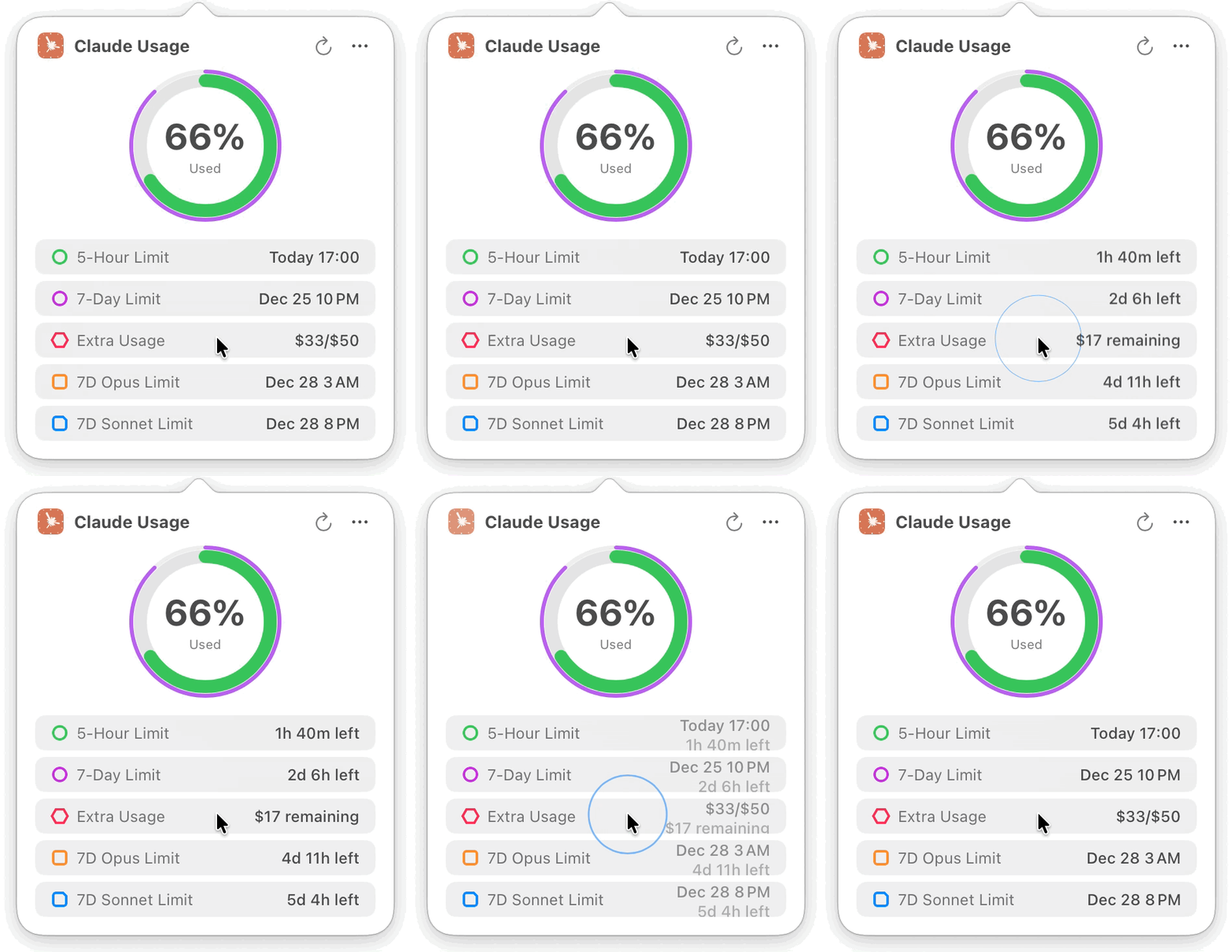
Detail Window

5-Hour Limit Mode

5-Hour Limit Mode

All Limits Mode

All Limits Mode
(Any combination freely selectable)

Get Started with Usage4Claude

System Requirements: macOS 13.0 (Ventura) or later

Supports Intel and Apple Silicon (M1/M2/M3/M4) chips

1

Download DMG

Download the latest version from GitHub Releases

2

Drag to Install

Open DMG, drag to Applications folder

3

First Launch

Right-click and select "Open" to allow running